
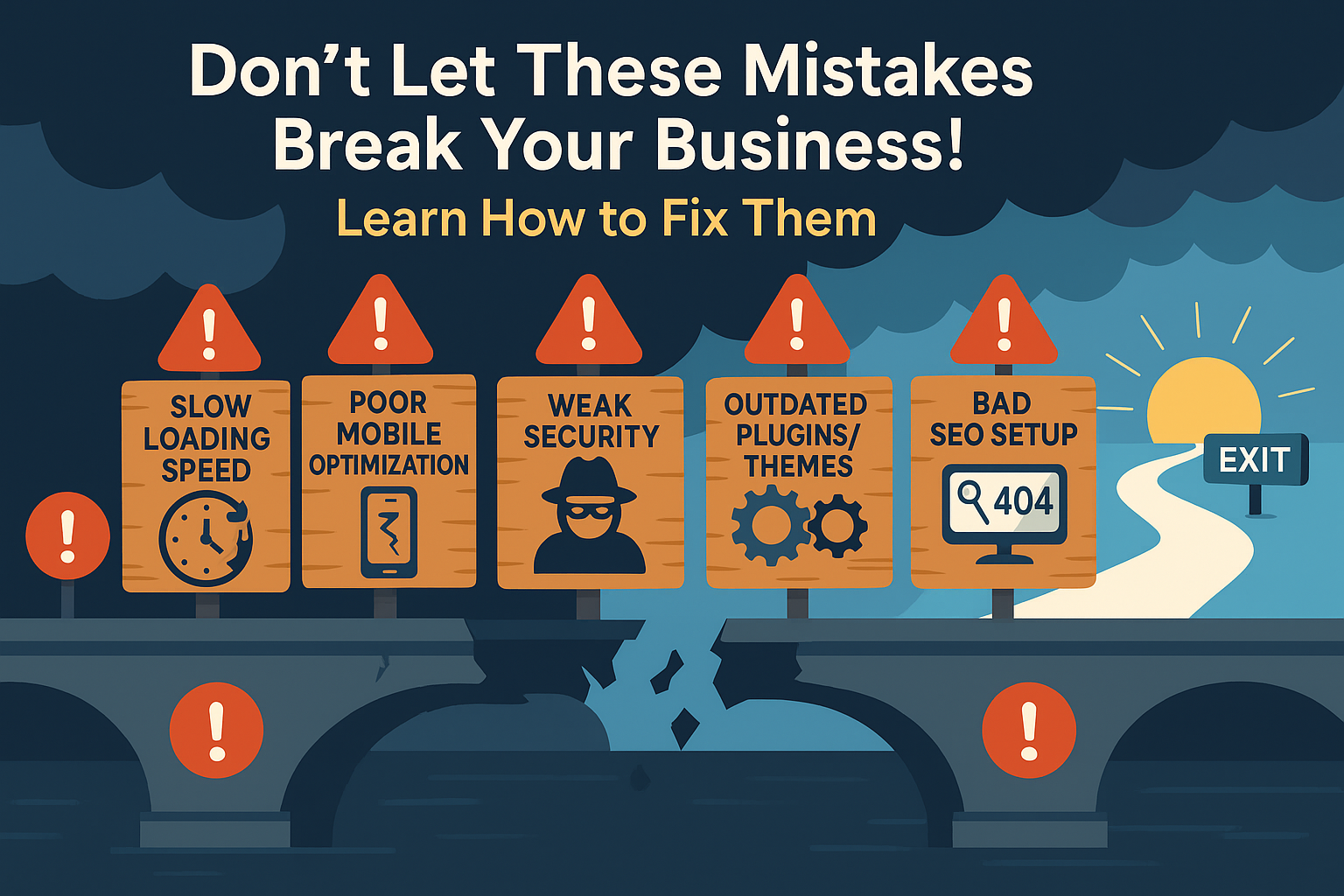
WordPress is powerful but only when used right.
Most business owners don’t realize how a few small missteps in their WordPress setup can silently kill conversions, damage credibility, and push clients away.
If you’re using WordPress to grow your business, avoid these five critical mistakes at all costs.
❌ 1. Ignoring Mobile Optimization
In today’s digital landscape,mobile traffic accounts for over 60% of all web activity. Yet shockingly, many WordPress websites still fail the mobile experience test.
We’re not just talking about aesthetics — this is about usability. If your site looks good on desktop but breaks down on mobile, you’re silently pushing away potential clients.
The Real Cost of Poor Mobile Experience
When users land on your WordPress site via their phone and face issues like:
- Tiny, unreadable text
- Buttons that are too small to tap
- Layouts that force endless horizontal scrolling
- Popups that don’t close easily
…they don’t stick around. They bounce. They abandon your site, and worse — they form a negative impression of your brand.
Google knows this too. Mobile usability is a ranking factor. If your site underperforms on mobile, you’re losing bothtraffic and conversions.
Here’s How to Fix It:
✅Use a Truly Responsive Theme
Not all “responsive” themes are created equal. Choose one that adapts fluidly across screen sizes — from smartphones to tablets to desktop. Test real-world behavior, not just what the theme promises.
✅Use Google’s Mobile-Friendly Test
This free tool from Google highlights mobile issues on your site. You’ll get an actionable list of what’s broken — so you can fix it before users notice.
✅Optimize for Thumb Navigation
Design with mobile ergonomics in mind. Place buttons within reach zones, use larger tap targets, and minimize the number of steps to complete any action. Don’t make users zoom in or fumble to find your CTA.
✅Compress and Prioritize Mobile Assets
Use lightweight images and load mobile-friendly versions. Disable unnecessary scripts and animations that weigh down the mobile experience.
Final Word
If your WordPress site doesn’t load quickly, display properly, and allow smooth interaction on mobile, your marketing efforts are wasted.
Today’s users expect seamless mobile experiences.
A site that fails to meet that standard will lose credibility — and clients.
💡 Want us to audit your WordPress mobile experience and fix it for you?
👉 Get Our WordPress Support Service
Your mobile visitors aren’t forgiving. Optimize today — or lose them tomorrow.
❌ 2. Installing Too Many Plugins
One of the biggest mistakes WordPress users make is assuming that more plugins mean more power. In reality, the opposite is often true.
Yes, plugins add functionality—but every plugin comes at a cost. Too many plugins cancripple your site’s performance, introduce bugs, and even open the door to security threats.
Why Too Many Plugins Hurt Your Site
Each plugin loads additional code on your site. This means more HTTP requests, longer loading times, and a heavier burden on your server. The result?
- Slower load times that frustrate visitors
- Conflicting scripts that break layouts or disable key features
- Increased chances of security vulnerabilities, especially from outdated or poorly coded plugins
You might not even notice these issues at first — but your users will. And Google will too.
Excess plugins often cause the dreaded “500 internal server error,” slow down your WordPress admin panel, and reduce your Core Web Vitals scores, which can impact both SEO and UX.
The Real Risk: Security Gaps
Every plugin is a potential backdoor. If a plugin is not maintained or hasn’t been updated in years, it becomes asecurity liability. Hackers often exploit old or poorly written plugins to gain access to WordPress sites.
Here’s How to Fix It:
✅Perform a Monthly Plugin Audit
Review your plugins monthly. Ask: Is this plugin critical? Is it updated? Can its feature be replaced with a built-in function or custom code?
✅Keep Only Essentials
Stick to high-quality plugins that serve critical functions—like SEO, speed optimization, security, and backups. Avoid overlapping tools (e.g., two SEO plugins or multiple analytics tools).
✅Delete or Deactivate What You Don’t Use
Don’t just deactivate plugins—delete them. Deactivated plugins can still be a security risk if they exist in your file system.
Final Word
WordPress is flexible—but only when you keep it lean. Every unnecessary plugin increases complexity, fragility, and load time.
Less is more when it comes to plugins.
By trimming down and maintaining only trusted, essential plugins, you’ll enjoy a faster, more secure, and more stable WordPress site.
🔧 Need a plugin audit and optimization?
👉 Get WordPress Support from Gnosys Digital
We’ll clean it up and speed it up—so your site works the way it should.
❌ 3. Weak CTA Placement
Your website exists to guide users toward action — whether that’s filling out a form, booking a call, or making a purchase. But if yourCall-to-Actions (CTAs) are hard to find or unclear, your conversions will suffer — badly.
You can have beautifully designed pages, compelling content, and a fast-loading site — but if users aren’t being directed toward a specific next step, they’ll leave without taking action.
What Weak CTAs Look Like
Here’s what we commonly see on poorly converting WordPress sites:
- CTAs buried in the footer or hidden among clutter
- Vague language like “Submit” or “Click Here” that lacks motivation
- Buttons that blend into the background or are too small to notice
- Missing CTAs altogether on high-traffic pages like blogs or service pages
Every one of these is a missed opportunity to convert visitors into leads or clients.
CTA = Revenue Lever
A strong CTA acts like adigital salesperson—clearly telling your visitor what to do next. But unlike a human, it only gets one shot. If your CTA isn’t seen or understood instantly, you’ve lost the lead.
Think of your CTA as thebridge between attention and action. Without it, even great content can lead to dead ends.
Fix It Like This:
✅Use Strong, Clear CTA Copy
Phrases like “Get a Free Quote,” “Book a Free Call,” or “Download the Guide” are specific and action-oriented. They create clarity and urgency.
✅Place CTAs Above the Fold
Don’t make visitors scroll to find your main action. Every core page (especially homepage, services, and landing pages) should have a visible CTA the moment the page loads.
✅Use Contrasting Colors
Your CTA button should pop visually. Use colors that contrast with your brand palette to draw attention. If everything is blue, your CTA should be orange (or vice versa).
✅Repeat Strategically
It’s okay to have multiple CTAs on the same page—one above the fold, one mid-scroll, one at the end. Repetition reinforces action.
Final Word
If users don’t know what to do next, they won’t do anything.
Make it stupidly easy for them.
Guide them clearly and confidently with powerful CTAs placed where they can’t be missed.
🎯 Want us to improve your CTAs and site flow?
👉 Book WordPress Optimization with Gnosys Digital
❌ 4. No Speed Optimization
In today’s digital landscape, speed is everything. Your website may look stunning, but if it takes more than a few seconds to load, most users willbounce before even seeing it.
In fact, Google research shows thata 1-second delay in load time can reduce conversions byup to 20%. For WordPress users, speed is not a luxury — it’s acritical foundation for trust, usability, and SEO.
Why Speed Matters
- ⚠️User Experience: Slow-loading sites create friction. Visitors become frustrated, especially on mobile, and leave before engaging.
- ⚠️SEO Rankings: Google uses page speed as a direct ranking factor. A slow site gets penalized, especially in mobile search.
- ⚠️Conversions: If your checkout, lead form, or booking page loads slowly, you’re literally losing money by the second.
The problem? Many WordPress users skip performance tuning entirely — relying on shared hosting or installing bloated themes that drag speed into the ground.
Here’s How to Fix It:
✅Enable Caching
Use a caching plugin likeWP Rocket,LiteSpeed Cache, orW3 Total Cache. These tools generate static versions of your pages so users don’t have to wait for them to load from scratch every time.
✅Compress & Lazy-Load Images
Oversized images are the #1 cause of slow pages. Use tools likeTinyPNG to compress images, and turn on lazy loading so that images only load when they’re visible in the viewport.
✅Upgrade Hosting
No plugin can fix bad hosting. If you’re on cheap shared hosting, your speed will always be throttled. Consider switching to afast, WordPress-optimized host like our own infrastructure at Gnosys Digital.
✅Test Regularly
Use tools like GTmetrix or Google PageSpeed Insights at least once a month to audit your performance. Focus on fixing what’s slowing you down—especially Largest Contentful Paint (LCP) and Total Blocking Time (TBT).
Final Word
A slow site doesn’t just lose users — it damages your brand’s credibility.
Speed = Trust. Trust = Conversions.
Optimize now, and you’ll see an immediate difference in performance, rankings, and sales.
🚀 Want your WordPress site blazing fast?
👉 Hire Gnosys Digital for Speed Optimization
We don’t just tweak settings—we make your site fly.
❌ 5. Not Updating the Site Regularly
If you’re not updating your WordPress site regularly, you’re gambling with your business.
Outdated WordPress core files, themes, or plugins are the#1 cause of site hacks, fatal errors, and compatibility issues. Even one vulnerable plugin can become an entry point for malware or break your site overnight.
The worst part? Most site owners don’t even realize their site is outdated until it’s too late — when it’s already broken, compromised, or blacklisted by Google.
Why Regular Updates Are Non-Negotiable
- 🔓Security: Hackers scan millions of sites daily looking for outdated code to exploit.
- 🧩Stability: Updated plugins and themes fix bugs, improve compatibility, and reduce crashes.
- 🚀Performance: Updates often include speed enhancements and efficiency improvements.
- 📉SEO Impact: A hacked or error-ridden site loses traffic, rankings, and trust quickly.
You wouldn’t run your business on an old computer full of holes. Why do it with your website?
How to Fix It:
✅Enable Automatic Updates
For core WordPress files and trusted plugins/themes, automatic updates are safe and effective. You can configure them from your hosting dashboard or via plugins likeEasy Updates Manager.
✅Use a Staging Environment
If you’re running a complex or high-traffic site, test updates in a staging environment before pushing them live. This ensures nothing breaks in production.
✅Schedule Weekly Maintenance Checks
Set a calendar reminder or task list to check for:
- Plugin/theme updates
- Broken links
- Performance issues
- Security alerts
This takes just 15–30 minutes weekly but prevents major issues later.
✅Or Hire a WordPress Maintenance Expert
Let professionals handle it. AtGnosys Digital, we provide full-service WordPress maintenance: updates, backups, security scans, uptime monitoring, and more.
Final Word
Skipping updates doesn’t save you time—itcosts you clients, traffic, and peace of mind.
A secure, updated site = a healthy business.
Don’t wait for a crash or hack to take action.
🛠️ Want peace of mind with zero effort?
👉 Hire Us for WordPress Maintenance
We keep your site secure, fast, and up-to-date—so you don’t have to.
✅ Final Thoughts
Your WordPress site should be an asset — not a liability.
By fixing these common but critical mistakes, you’ll:
- ⚡Increase your site speed
- 🔒Boost user trust and security
- 🎯Improve your conversion rates
- 📈Build a scalable, long-term online presence
Whether you’re running a small business or scaling a growing brand, ignoring these basics leads to slow, leaky, and untrustworthy sites.
But the good news? Every issue we covered today is fixable — often with small but strategic changes.
📩 Need Help?
AtGnosys Digital, we specialize in turning underperforming WordPress sites into fast, clean, and client-winning machines.
Frommobile optimization andplugin audits tospeed boosts andongoing maintenance, our experts handle it all — so you can focus on growing your business.
👉 Explore Our WordPress Services
Let us help you build a site that actually works for you.
