

In today’s fast-paced digital world, small business owners often rush to get their websites live and overlook early warning signs that their developer may be cutting corners. By the time issues surface, the damage is already done: missed deadlines, broken features, security risks, and unexpected costs.
The good news is simple. You can spot these red flags early and protect your business before it’s too late.
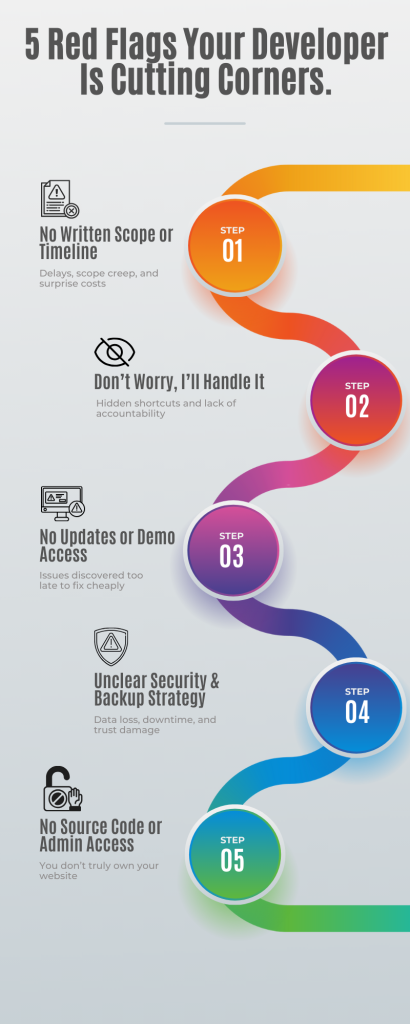
🔴 The 5 Red Flags at a Glance
- No written scope or timeline
- “Don’t worry, I’ll handle it” (no transparency)
- No updates or demo access during development
- No clarity on security or backups
- Refuses to hand over source code or admin access
1. No Written Scope or Timeline
When a developer fails to provide a clear, written project scope or timeline, that’s the first red flag every business owner should notice. It may sound like a small detail, but it is often the root cause behind delays, confusion, and cost overruns.
A project scope defines exactly what’s being built: pages, features, integrations, and functionality. A timeline outlines when each phase will be completed and what milestones you should expect.
Without them, you’re essentially flying blind.
Many business owners fall into this trap because the developer reassures them that documentation is unnecessary. Statements like “Let’s just get started” or “We’ll figure it out as we go” may sound flexible, but they usually signal disorganization or avoidance of accountability.
A professional developer never skips this step. They clarify requirements, confirm deliverables, and break the project into structured milestones. Progress is tracked through demos, status updates, or sprint reviews so you always know where the project stands.
Without a written scope, boundaries shift constantly. You assume features are included; the developer treats them as extras. Deadlines slip, expectations clash, and simple projects turn into costly revisions.
A defined scope and realistic timeline protect both sides. They create transparency, accountability, and alignment from day one.
2. “Don’t Worry, I’ll Handle It”, No Transparency
One of the biggest red flags in any development project is a lack of transparency. When a developer repeatedly says, “Don’t worry, I’ll handle it,” but avoids explaining how or why decisions are being made, caution is warranted.
That phrase sounds reassuring, but it’s often a signal that shortcuts are being taken or accountability is being avoided.
Transparency is not about micromanagement. It is about understanding what is being built, how it is being built, and whether it will support your business long-term.
Transparency builds trust. It’s what separates professional developers from those who just deliver a product and disappear.
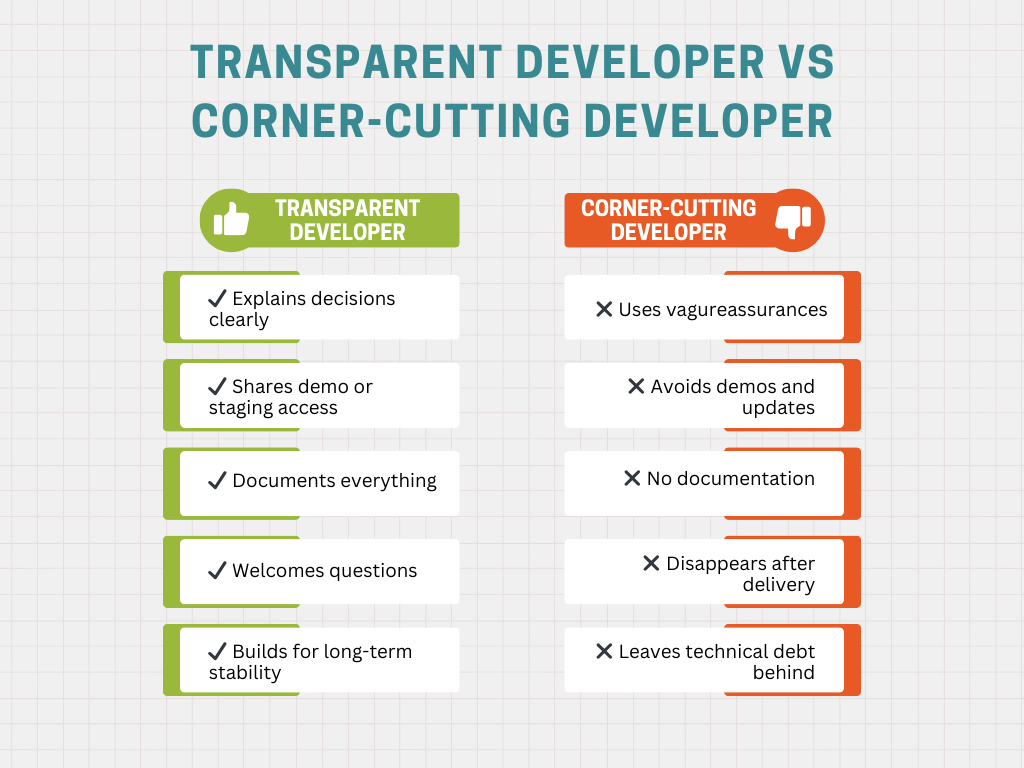
A professional developer explains their technology choices, documents progress, and shares access to staging environments. They involve you in key decisions and provide clarity without overwhelming you with technical jargon.
Developers who resist transparency often rely on shortcuts. This may include outdated frameworks, unlicensed plugins, or temporary fixes that work briefly but fail later.
That lack of visibility creates long-term risk. When issues arise, you are left without documentation, clarity, or access to critical systems.
Transparency is not optional. It is a safeguard for your investment and your business continuity.
3. No Updates or Demo Access During Development
Silence during development is never a good sign. If weeks pass with no updates and you are only shown a “final version,” treat it as a serious warning.
Regular updates and demo access allow you to verify progress, test features early, and confirm alignment with your expectations.
If you only see the project at the end, problems are discovered when they are hardest and most expensive to fix.
Developers who avoid updates are often behind schedule, skipping testing, or cutting corners they do not want you to see.
A reliable developer shares staging links, provides progress reports, and communicates openly about challenges or timeline changes. This collaboration reduces risk and improves outcomes.
Consistent communication is part of quality assurance. A developer who works transparently during the build delivers a stronger, more stable product.
4. No Clarity on Security or Backups
Security and data protection are not optional. If your developer cannot clearly explain how your website will be secured and backed up, that is a deal-breaker.
Why Security Clarity Matters
A professional developer should explain how your site is protected against common threats, including malware, brute-force attacks, and data breaches. This includes SSL certificates, firewalls, monitoring, and regular updates.
Vague or evasive answers are a clear sign that security is an afterthought, not a priority.
The Risk of Weak Security
Poor security leads to downtime, lost data, damaged trust, and potential legal exposure. Recovery is often expensive and time-consuming.
Backups: Your Safety Net
A proper backup strategy should be clearly defined. This includes how often backups are taken, where they are stored, and how restoration works.
Security and backups are not technical extras. They are your website’s insurance policy.
If these processes cannot be demonstrated clearly, it is time to reconsider the partnership.
5. Refuses to Hand Over Source Code or Admin Access
This is one of the most serious red flags in web development. If your developer refuses to hand over source code, admin credentials, or ownership access, you do not truly own your website.
If you don’t have control over your own website, you don’t truly own it.
Why Ownership Matters
Your website is a business asset. When access is withheld, you are forced into dependency for even minor changes.
The Risks of No Access
Without admin access, you cannot manage updates, security, or backups. If the developer disappears, you may lose everything and be forced to rebuild from scratch.
How Professionals Handle It
Professional developers hand over all credentials, repositories, documentation, and account ownership at project completion. Temporary access for support is normal; permanent control always belongs to the client.
Never sign off on a project without confirming ownership in writing.
How to Protect Yourself
Avoiding development disasters requires awareness and a proactive approach.
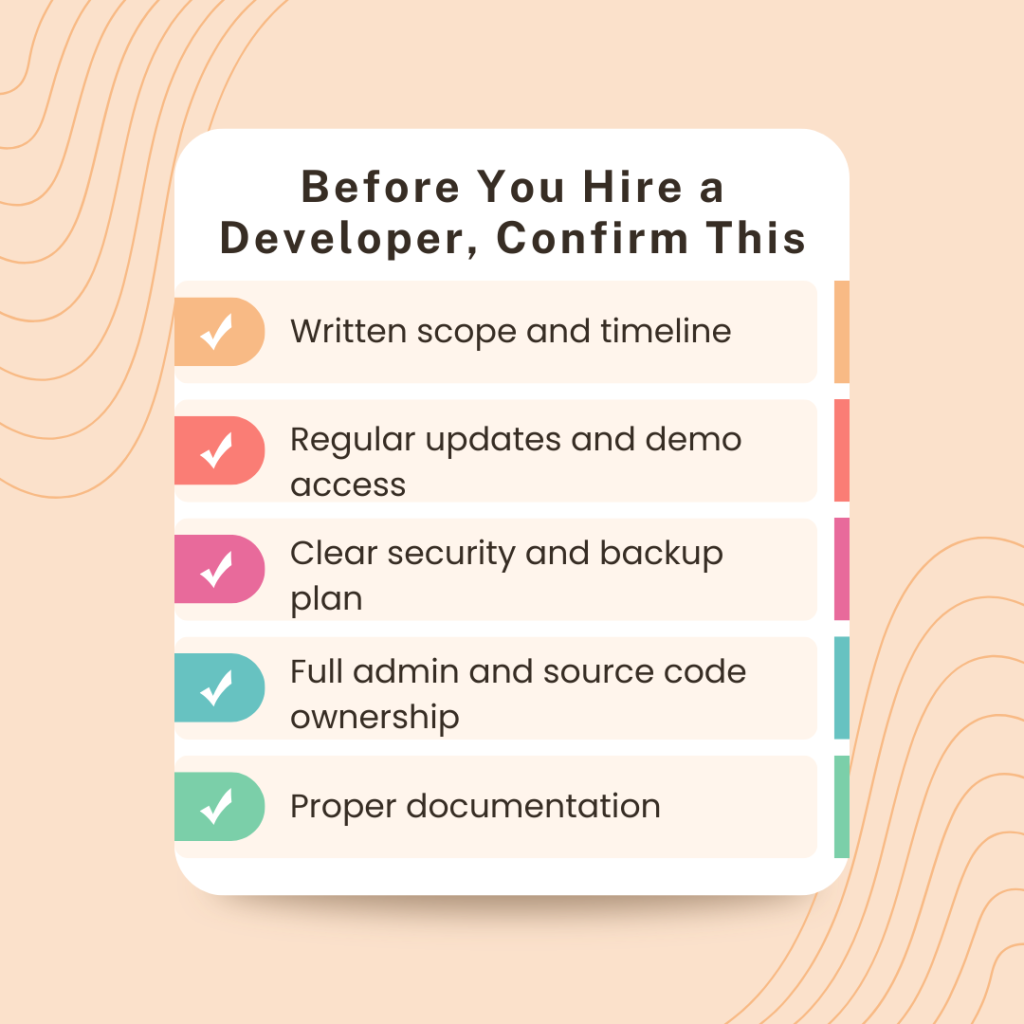
- Start with a written plan and timeline
Insist on a documented scope, milestones, and payment structure. - Request regular updates and demos
Visibility ensures alignment and early issue detection. - Own every account and credential
Domains, hosting, CMS, and analytics should be registered in your name. - Clarify security, backups, and maintenance
These should be defined before development begins. - Keep documentation and communication transparent
Clear records protect your business long-term.
By following these steps, you move from recognizing red flags to establishing green lights for a successful project.
Staying informed is not micromanagement. It is responsible ownership.
Final Thoughts
A good developer does more than deliver a website. They provide clarity, control, and confidence.
Most businesses realize too late that their developer was not the right fit. By then, performance issues, broken integrations, or locked access have already caused damage. These outcomes are preventable if you recognize the warning signs: no written scope, no transparency, poor communication, weak security, or withheld credentials.
Choose long-term thinking over short-term savings. A transparent developer designs for scalability, documents everything, and keeps ownership in your hands.
Your business deserves better. Avoid shortcuts. Build your website the right way: secure, scalable, and built to last.
Ready to Work with a Transparent, Reliable Developer?
👉 Partner with a Developer You Can Trust and Get a Worry-Free Website Quote
https://gnosysdigital.com/product/general-wordpress-support/
