
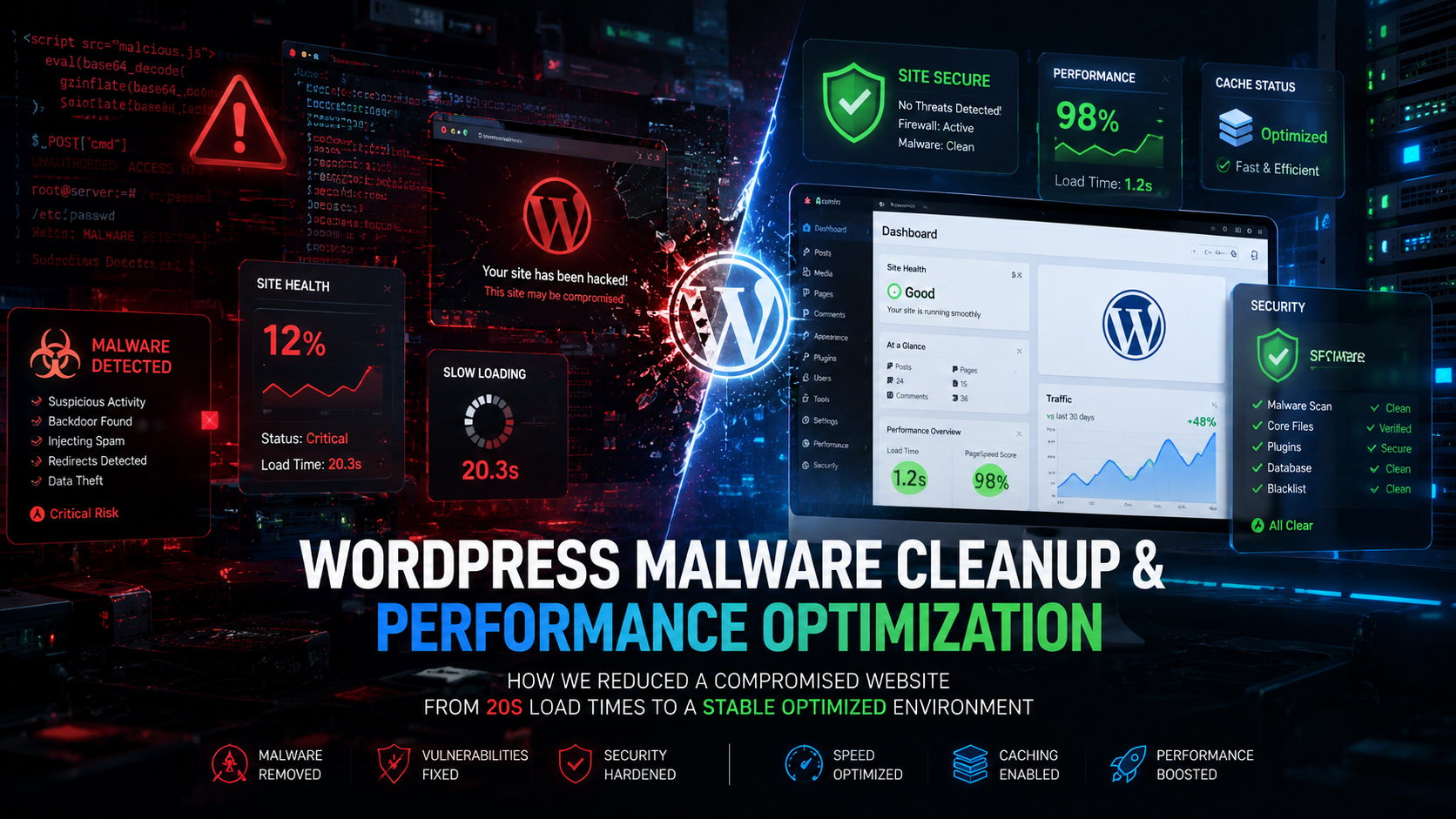
A recent client approached us with a serious issue: their WordPress website had become extremely slow, unstable, and unreliable. At first, it looked like a typical performance optimization case. However, after deeper investigation, we discovered the real cause was far more serious — the website had been compromised by malicious code executing external requests on every page load.
What started as a “slow website” investigation quickly turned into a full malware cleanup, server hardening, and performance recovery project.
The Initial Problem
The website was experiencing several critical issues:
- Frontend pages taking 40–60 seconds to load
- Random request timeouts and hanging pages
- WooCommerce instability
- Increased server resource usage
- Unpredictable frontend behavior
Interestingly, the WordPress admin panel was still partially functional, which made the root cause harder to identify initially.
At first glance, it appeared to be a caching or hosting issue. But the server behavior suggested something deeper was happening behind the scenes.
Investigation & Malware Detection
During server-level debugging, we discovered repeated PHP errors similar to:
file_get_contents(https://cli.xianxian66.live/jsc/jsc): Failed to open stream: HTTP request failed! HTTP/1.1 522This immediately raised several red flags:
- Malicious outbound requests
- Injected runtime execution
- Hidden malware loaders
- Delayed frontend rendering caused by remote request timeouts
Every frontend request was attempting to connect to a suspicious external domain. Since the remote server was timing out, the website stalled while waiting for a response — resulting in the massive 40–60 second load times users were experiencing.
Deep Inspection Process
We performed a complete audit of the WordPress environment, including:
- WordPress core files
- MU-plugins (
wp-content/mu-plugins) - Theme files
- Upload directories
- Runtime bootstrap files
- Object cache handlers
- OPcache persistence
- Cache layers and execution hooks
We specifically searched for suspicious patterns such as:
eval()base64_decodegzinflate- Hidden PHP loaders
- Obfuscated runtime execution
- Suspicious external requests
During the investigation, we identified multiple malicious execution chains originating from hidden loader files and injected bootstrap code.
Malware Cleanup & Recovery
Once the malicious code paths were identified, we began the cleanup and recovery process.
Malware Removal
The cleanup included:
- Removing malicious PHP loaders
- Cleaning compromised MU-plugin execution chains
- Reviewing injected bootstrap files
- Investigating suspicious runtime
eval()execution - Verifying WordPress core integrity
Cache & Runtime Cleanup
To ensure no malicious runtime behavior persisted, we also:
- Cleared WordPress cache
- Reset object cache layers
- Removed stale cache persistence
- Cleared uploads/cache directories
- Restarted PHP-FPM services
- Investigated and reset OPcache persistence
Server Hardening & Security Improvements
After removing the infection, we implemented additional hardening measures to reduce future attack risks.
This included:
- Installing and configuring Loginizer Pro
- Enabling brute-force protection
- Strengthening login security rules
- Improving frontend request filtering
- Reviewing
.htaccessand rewrite configurations
These measures helped improve both security and long-term server stability.
Performance Optimization
Once the malware was removed, the website still required optimization to fully restore frontend performance.
SpeedyCache Pro Configuration
We installed and configured SpeedyCache Pro to improve:
- Frontend caching
- Asset delivery
- Page rendering performance
- Overall responsiveness
Additional Optimization Work
We also:
- Reduced unnecessary runtime overhead
- Reviewed conflicting cache layers
- Optimized frontend request handling
- Removed stale runtime persistence
Final Results
The performance improvements after cleanup were dramatic.
Before Cleanup
- Website load times averaging 40–60 seconds
- Hanging frontend requests
- WooCommerce instability
- Constant timeout behavior
- Severe frontend lag
After Cleanup & Optimization
- Website load times reduced to around 1 second
- Stable frontend behavior restored
- Malicious outbound requests eliminated
- Significant improvement in responsiveness
- Improved server stability and security posture
The difference was immediate and noticeable for both administrators and website visitors.
Key Lessons From This Project
1. Malware Often Looks Like a Performance Problem
Not every slow website is caused by weak hosting or poor optimization.
In many cases, malware hides behind:
- Timeout behavior
- Excessive outbound requests
- Runtime execution delays
- Unexplained server resource spikes
Without proper investigation, these symptoms can easily be mistaken for ordinary performance issues.
2. MU-Plugins & Runtime Loaders Require Regular Auditing
Many WordPress infections hide in locations that are often overlooked, including:
- MU-plugins
- Object cache handlers
- Upload directories
- Hidden bootstrap files
- Runtime persistence layers
Routine audits are critical for identifying these hidden threats early.
3. Security & Performance Go Hand-in-Hand
Proper security hardening combined with optimized caching and runtime cleanup can dramatically improve:
- Website stability
- Frontend performance
- Server reliability
- Long-term resilience
Final Thoughts
In this case, the only visible symptom was:
“The website feels slow.”
But behind the scenes, malicious runtime code was executing remote requests during every frontend load, creating massive delays and instability.
After a full malware cleanup, runtime recovery, security hardening, and performance optimization process, the website was restored to a stable and highly optimized state — improving load times from 40–60 seconds down to approximately 1 second.
If your WordPress website is experiencing:
- Unexplained slowness
- Random timeout issues
- Unusual server behavior
- WooCommerce instability
…it may be worth investigating for hidden malware or runtime compromise instead of focusing only on traditional performance optimization.
Need Help?
If you need assistance with:
- WordPress malware cleanup
- WooCommerce troubleshooting
- Performance optimization
- Server hardening
- Website recovery after infection
feel free to reach out.
