
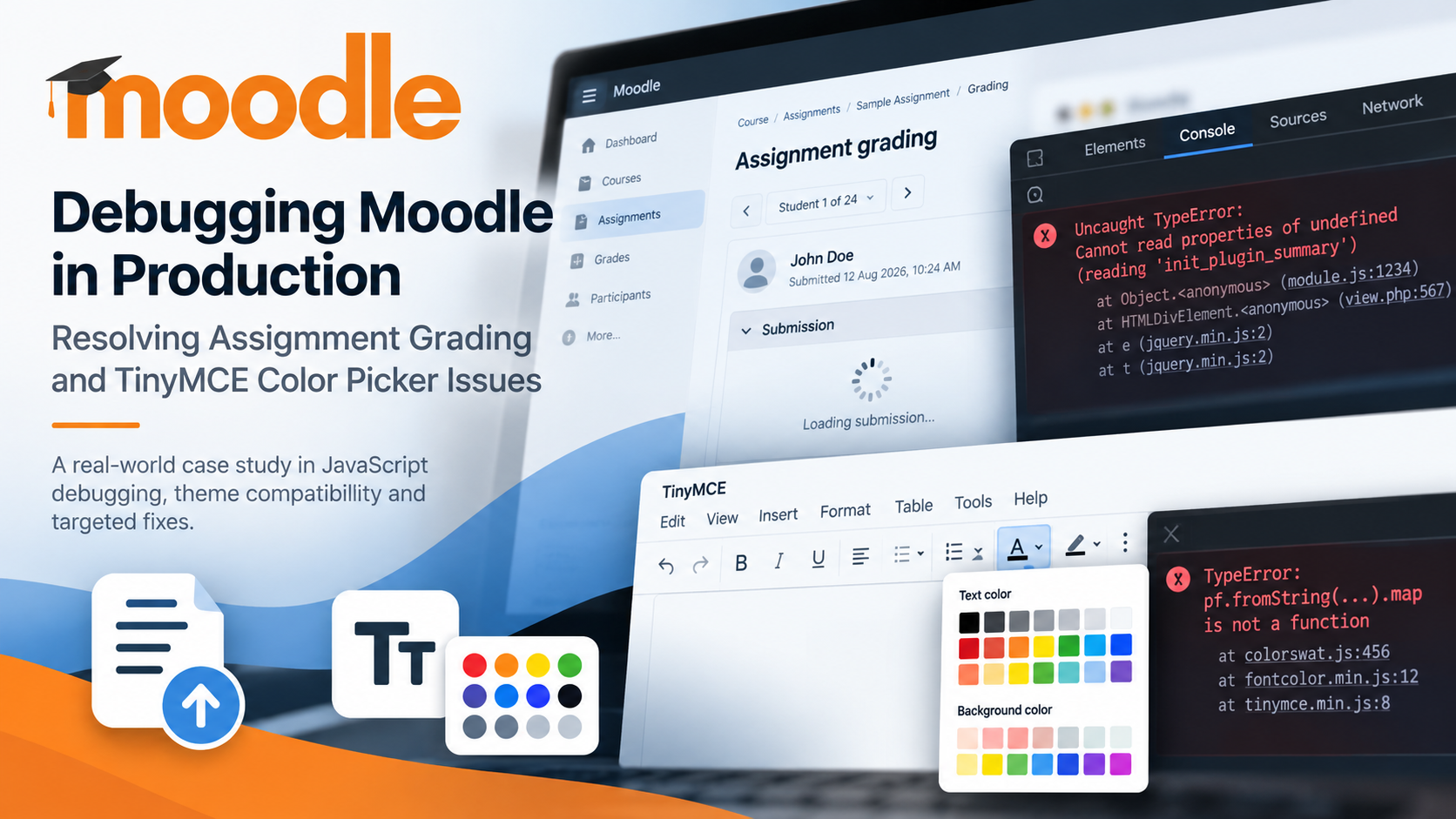
A technical case study in Moodle JavaScript debugging, dynamic interface failures, and targeted production fixes
Introduction
Moodle’s assignment grading interface brings together several components, including assignment submission rendering, JavaScript-driven interactions, feedback plugins, and text editors. When one of these components fails, the visible symptom does not always reveal the underlying cause.
During a production troubleshooting engagement involving Moodle 5.2.2 and the RemUI theme, two separate JavaScript issues affected the assignment grading workflow.
The first prevented the grading interface from expanding submission details correctly, leaving users with a loading spinner instead of the expected content. The second affected TinyMCE’s text-color and background-color dropdowns within the grading editor, even though the editor itself remained usable.
Both issues required investigation beyond routine cache clearing. By examining browser console errors, tracing function calls into Moodle’s JavaScript code, and applying targeted changes, we were able to address the observed failures while minimizing disruption to the live installation.
This case study explains the investigation, the technical reasoning behind the fixes, and the lessons learned from troubleshooting JavaScript-dependent functionality in Moodle.
Project Environment
The investigation involved the following environment:
- LMS: Moodle 5.2.2
- Theme: RemUI 5.2.4
- PHP: 8.3
- Text editor: TinyMCE 8.2.2
- Hosting environment: TD Web Services + Webuzo
The problems were observed within the assignment grading workflow. The objective was to identify the immediate technical causes, implement targeted corrections, and verify the affected functionality without making unnecessary changes to the broader installation.
Issue 1: Assignment Grading Interface Stuck on a Loading Spinner
The problem
When an instructor attempted to expand a student’s assignment submission or grading section, the interface displayed a loading spinner and refreshed instead of expanding the requested content as expected.
Because the failure occurred during an interactive action, the initial symptom could easily have been mistaken for a theme-rendering problem, a caching issue, or a general Moodle interface malfunction.
However, the browser’s developer console provided a more useful starting point.
Investigating the JavaScript error
The console reported the following error:
Cannot read properties of undefined (reading 'init_plugin_summary')
The error was associated with Moodle’s assignment JavaScript module and its M.mod_assign.init_plugin_summary functionality.
The investigation established an important distinction: the relevant function existed in the installed Moodle code, but it was not available to the browser when the dynamically returned grading content attempted to invoke it.
In other words, finding a function in the server-side codebase did not guarantee that the browser had loaded and initialized it at the right time.
This shifted the investigation away from purely visual troubleshooting and toward JavaScript loading and initialization.
Why routine troubleshooting was insufficient
Several diagnostic checks were performed to narrow down the problem:
- Browser console inspection: The JavaScript error was captured to identify the failing function.
- Dynamic response inspection: The HTML returned during the grading interface interaction was examined to understand how the failing function was being invoked.
- Source-code tracing: The function call was traced to Moodle’s assignment-related JavaScript and rendering logic.
- Cache purging: Moodle caches were purged, but this did not resolve the observed behavior.
- Theme isolation: The issue was tested under Moodle’s Boost theme as well as RemUI. The problem persisted under Boost.
The theme-switching test was particularly useful. Although the issue appeared within a RemUI-based installation, its persistence under Boost suggested that the failure was not simply caused by RemUI’s visual styling.
It did not, by itself, rule out every theme-related interaction, but it justified investigating the underlying JavaScript initialization path.
The targeted correction
The investigation led to a targeted JavaScript-loading workaround intended to make the required assignment module available before the grading interface needed it.
The change was applied in the compatible Moodle environment, and PHP syntax validation passed.
Following a browser hard refresh, the previous JavaScript error was no longer visible, and the grading interface was reported to be working as expected.
Final confirmation across the client’s usual grading workflows remained pending at the time of the technical report.
The key technical lesson
JavaScript can exist on the server without being available in the browser when another component needs it.
This distinction matters in Moodle because interactive interfaces can depend on JavaScript functions being loaded and initialized before dynamically generated content invokes them.
When an interface fails during an AJAX-driven interaction, developers should investigate the sequence of loading, rendering, and initialization rather than assuming that the presence of the relevant source file proves everything is working correctly.
Issue 2: TinyMCE Text and Background Color Pickers Not Working
The problem
A second issue affected the TinyMCE editor used within the assignment grading interface.
The editor itself remained functional, but its text-color and background-color dropdown controls did not behave correctly. This was especially noteworthy because the editor worked in other parts of the site.
That difference helped narrow the investigation. Rather than treating the problem as a complete TinyMCE failure, we focused on the specific functionality that was breaking within the grading workflow.
Identifying the failing method
The browser console reported:
TypeError: pf.fromString(...).map is not a function
The error pointed toward Moodle’s TinyMCE font-color plugin.
Tracing the failure through the relevant JavaScript implementation revealed that the color picker attempted to call .map() on the value returned by pf.fromString().
The installed Optional helper implementation exposed methods such as .bind() and .getOr(), but did not implement .map().
Consequently, the color-picker code attempted to use a method that was unavailable on the returned object, causing the operation to fail.
This was a more specific diagnosis than simply identifying the editor or theme as the source of the problem.
Understanding the technical mismatch
JavaScript components often rely on helper libraries that provide particular methods and behaviors. When a component expects an API that the installed helper does not expose, an operation can fail even though the surrounding code appears structurally correct.
In this case, the mismatch involved the method used to transform the value returned by the Optional helper.
The available evidence identified the immediate failure mechanism. However, it did not conclusively establish whether the underlying reason was an upstream defect, a version mismatch, or another installation-specific condition.
That distinction is important: identifying the failing method is not the same as proving why the incompatible call was present in the first place.
Applying a targeted fix
The correction involved adjusting the affected color-picker logic to use the supported helper behavior rather than relying on the unavailable .map() method.
The corresponding source and deployed production JavaScript were updated consistently. Backups of the original files were retained before the changes were applied.
This consistency matters because Moodle’s AMD JavaScript modules can have source and production-build versions. Updating only one representation can leave the running application using code that does not reflect the intended correction.
After the changes, Moodle caches were purged and the browser was hard-refreshed.
The color palette then appeared to open correctly and display its available options.
At the time of the report, full verification that both text and background colors could be applied successfully, along with confirmation that the original console error had disappeared, was still pending.
The key technical lesson
When a JavaScript control fails, inspect the actual API available at runtime instead of assuming that a method exists because the calling code expects it.
The browser console identified the failed operation, while source-code inspection exposed the mismatch between the expected and available helper methods.
This approach helped narrow the correction to the relevant functionality rather than replacing the editor, reinstalling plugins, or making broad changes to the Moodle installation.
A Secondary Check: Annotate PDF Feedback
As part of the wider assignment grading investigation, the Moodle Annotate PDF feedback plugin, assignfeedback_editpdf, was also checked.
The plugin directory and its version file were present. Its database version record matched the version declared in the code, 2026042000, and the configuration check did not identify the plugin as disabled.
These checks supported the conclusion that the plugin remained installed and registered within Moodle.
However, plugin registration alone does not prove that Annotate PDF feedback is enabled in the settings of every individual assignment. That requires checking the relevant assignment configuration separately.
This distinction illustrates a broader troubleshooting principle: verify the specific condition being investigated rather than drawing conclusions beyond the evidence available.
Why These Problems Required More Than Cache Clearing
Cache purging is a standard and useful step in Moodle troubleshooting, especially when JavaScript assets, templates, or generated content may be stale.
However, neither investigation could be resolved through routine cache clearing alone.
The assignment grading issue required tracing a function call through dynamically returned content and determining why the expected JavaScript functionality was unavailable at the point of use.
The TinyMCE issue required examining the color-picker implementation and identifying an unsupported method call against the installed helper API.
In both cases, the browser console provided the initial evidence, but the resolution required connecting that evidence to the relevant Moodle code.
Readily available guidance did not provide a directly applicable answer for these specific failure modes in the environment being investigated. The solution therefore depended on examining the actual runtime behavior and installed implementation.
Our Troubleshooting Methodology
The two issues reinforced the value of a systematic debugging process.
1. Reproduce the problem in the affected workflow
Testing the exact interaction helps distinguish a localized failure from a site-wide problem. In this case, the assignment grading interface was the critical area to investigate.
2. Capture the browser console error
The exact error message is often more useful than a general description such as “the button does not work.” It can identify the failing function, method, or module and substantially narrow the search.
3. Trace the error into the implementation
Rather than making assumptions based on the visible symptom, we followed the failing calls into the relevant Moodle JavaScript and rendering logic.
4. Check runtime availability and API compatibility
A function may exist in the source code but be unavailable when invoked. Similarly, a method expected by one component may not exist on the object returned by another.
These are different failure mechanisms, but both demonstrate why runtime behavior must be examined directly.
5. Make targeted changes and retain backups
Production troubleshooting requires care. Before changing core or deployed JavaScript files, preserve the originals and document the modification.
Changes should be as limited as practical, making them easier to review, test, and maintain.
6. Clear caches and retest
After applying a correction, purge relevant caches and refresh the browser to ensure the updated assets are being used.
Where possible, repeat the original interaction and inspect the console again.
7. Distinguish an apparent improvement from complete verification
A spinner disappearing or a color palette opening is useful evidence, but it does not prove that every downstream action works correctly.
Complete verification should include testing the actual grading or editing action, checking for remaining console errors, and confirming the affected workflow with the users who rely on it.
What Moodle Administrators and Developers Can Learn
Several practical lessons emerge from these investigations.
A theme-related symptom does not automatically establish a theme-related root cause. Testing under Boost helped determine whether the assignment failure persisted outside the active theme’s appearance and styling.
Dynamic interfaces need particular attention. Content loaded or updated after the initial page load can depend on JavaScript modules being available at exactly the right time.
Source-code presence is not runtime proof. A function can be present in the installation while remaining unavailable in the browser when another component attempts to call it.
Helper-library compatibility matters. A method call that looks reasonable in isolation may fail when the installed implementation exposes a different API.
Source and deployed JavaScript should remain consistent. When an emergency production correction involves AMD modules, both the relevant source and production build need to be considered.
Backups and documentation are essential for core modifications. Custom changes should be recorded and reviewed during future maintenance or upgrades because upstream updates may overwrite them.
Verification must match the claim. Confirming that a plugin is installed is different from confirming that it is enabled for a particular assignment. Likewise, opening a color palette is different from proving that the selected color can be applied successfully.
Finally, avoid removing or reinstalling plugins without evidence that the plugin itself is responsible for the observed failure. Targeted diagnosis can prevent unnecessary disruption to a live learning environment.
Conclusion
Troubleshooting Moodle’s assignment grading interface requires looking beyond the visible symptom.
In this case, two separate JavaScript failures affected the same general workflow. One involved the availability and initialization of assignment-related JavaScript during dynamic content rendering. The other involved a color-picker implementation calling a method that the installed helper did not provide.
Browser console errors, source-code tracing, controlled diagnostic tests, and targeted corrections helped identify and address the immediate failure mechanisms.
The work also reinforced the importance of careful production changes, consistent JavaScript builds, retained backups, and honest verification reporting.
For Moodle administrators and developers, the central takeaway is straightforward: effective troubleshooting begins with evidence, follows the error to its actual cause, and ends with verification of the real user workflow.
A theme may be where a problem becomes visible, but understanding why it happens requires examining how Moodle’s components interact at runtime.
