
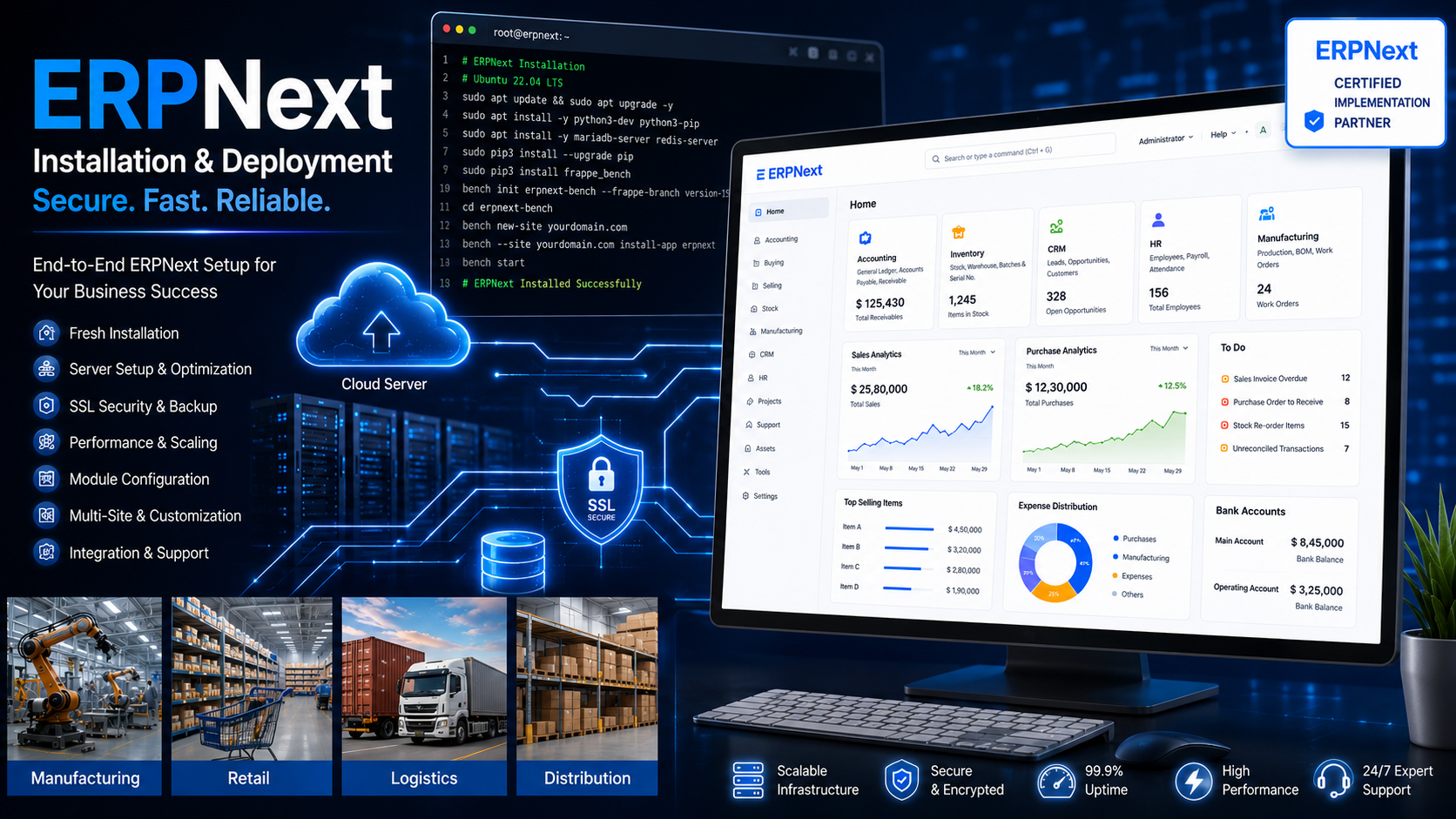
Description
💡 Why Choose Professional ERPNext Installation?
ERPNext is the world’s most popular open-source ERP system, trusted by over50,000+ companies globally. It handles accounting, inventory, CRM, HR, manufacturing, and more—all in one platform. But here’s the reality:installing ERPNext yourself is technically challenging.
The stack requires Python environments, Redis caching, MariaDB databases, Node.js dependencies, and the complex “bench” command-line tool. One wrong configuration and your system is vulnerable, slow, or completely broken.
I handle all of that for you. Whether you need a production deployment for your business, a staging environment for testing, or a development setup for customization, I’ll install ERPNext on your infrastructure—fully configured, secured, and ready to use.
⚡ Add-On Services
| Service | Price | Description |
|---|---|---|
| Server Setup & Configuration | +$49 | I’ll purchase and configure a VPS on your behalf (DigitalOcean, AWS, or Linode) |
| Domain & DNS Configuration | +$39 | Set up a custom domain with proper DNS records |
| ERPNext Version Upgrade | +$99 | Install a specific version (v14, v15, or latest develop branch) |
| Frappe Framework Bench Configuration | +$79 | Advanced bench setup for multi-site management |
| Custom App Installation | +$99 per app | Install and configure pre-built ERPNext apps from the ecosystem |
| Data Import (Basic) | +$149 | Import your existing customers, suppliers, and items from CSV/Excel |
| 24-Hour Rush Delivery | +$99 | Expedited installation for urgent projects |
| Monthly Maintenance | +$49/month | Ongoing updates, security patches, and health checks |
📋 What I Install
Complete ERPNext Stack:
| Component | Purpose |
|---|---|
| Ubuntu Server | Operating system |
| Python 3.10+ | ERPNext runtime |
| Node.js 16+ | Frontend asset compilation |
| Redis | Caching and background jobs |
| MariaDB 10.6+ | Database |
| Nginx | Web server and reverse proxy |
| Supervisor | Process management |
| ERPNext (latest stable) | The ERP system itself |
| Frappe Bench | ERPNext management tool |
| SSL Certificate | HTTPS encryption |
| Fail2ban | Security hardening |
✅ Post-Installation Verification
After installation, I verify that everything works:
- ✅ Login page accessible via HTTPS
- ✅ Admin user can log in successfully
- ✅ Create a new customer
- ✅ Create a new item/product
- ✅ Create a sales order
- ✅ Email notifications are working
- ✅ Background jobs are processing
- ✅ Backups are configured correctly
- ✅ Server restarts automatically on failure
You receive acomprehensive installation report with all credentials, configuration details, and next steps.
📋 FAQ
Q: Is ERPNext really free?
A: Yes! ERPNext is open-source under the GPL license. You pay only for your server hosting and my installation service. No per-user licensing fees ever.
Q: What are the minimum server requirements?
A: For production: 4GB RAM, 2 CPU cores, 40GB SSD. For testing: 2GB RAM, 1 CPU core, 20GB SSD. I can help you choose the right server.
Q: Can you install a specific version of ERPNext?
A: Yes! I can install v14, v15, or the latest development branch. Just specify your preference when ordering.
Q: Do I need technical knowledge to manage the installation afterward?
A: Basic knowledge helps, but I provide complete documentation. For ongoing management, consider my monthly maintenance add-on.\
Q: What if something breaks after installation?
A: All packages include post-installation support (7-30 days depending on package). For long-term peace of mind, add my monthly maintenance service.
Q: Can you migrate my existing data during installation?
A: Yes, add my Data Import service to import customers, suppliers, items, and the Chart of Accounts from CSV/Excel.
Q: Which cloud provider do you recommend?
A: For most small businesses, DigitalOcean ($12-24/month) is perfect. For enterprises requiring global scale, AWS is better.
Q: Can you install ERPNext on my existing server?
A: Absolutely! As long as I have SSH access and the server meets minimum requirements, I can install on your existing infrastructure.
Q: What about ERPNext mobile apps?
A: ERPNext has a built-in mobile-responsive design. For native mobile apps, that’s a separate service (contact me for a quote).
🚀 How to Get Started
- Choose your package based on your needs
- Contact me with your preferred cloud provider or server details
- I’ll confirm server requirements and provide a deployment plan
- Provide server access (SSH credentials) or let me create a server for you
- I install and configure ERPNext with regular updates
- You receive login credentials, documentation, and a fully functional ERP system
💼 Why Choose Me for ERPNext Installation?
- 50+ successful ERPNext installations completed for businesses worldwide
- Deep understanding of the Frappe/ERPNext architecture
- Security-first approach with proper hardening on every installation
- Clear documentation so you understand exactly what was configured
- Post-installation support to ensure you’re up and running smoothly
🔧 Recent Installations
| Client | Package | Server | Use Case |
|---|---|---|---|
| Aptus Value Housing Finance | Production | TDWS Cloud Server $24/mo | Finance + Loan Operations |
| Furnisco | Enterprise | TDWS Cloud Server $48/mo | Furniture Manufacturing + Inventory |
| Kabra Extrusiontechnik Ltd. | Production | TDWS Cloud Server $32/mo | Manufacturing + BOM + Production Planning |
| Ravi Raj Technologies | Basic | TDWS VPS $12/mo | CRM + Service Management |
| Nexgen Packaging | Production | TDWS Cloud Server $24/mo | Inventory + Warehouse Management |
| Jain Irrigation Systems | Enterprise | TDWS VPS $18/mo | Procurement + Multi-location Operations |
ERPNext is actively used by thousands of Indian businesses across manufacturing, finance, logistics, and service industries.
Ready to get your ERPNext system up and running? Select a package and let’s get started today! 🚀
Need a custom installation scenario? Contact me for a personalized quote—I can handle any server configuration or deployment requirement!
Reviews
There are no reviews yet.